Do you ever get that feeling that you’ve been doing something for years, but are still only just beginning to figure out what you’re really supposed to be doing? I’ve been feeling a bit like that with PrayerMate for a while now. It’s grown considerably over the past year or so, both in terms of features and in terms of the number of people using it and the number of organisations publishing their prayer points through it (over 80 now!) One of the downsides of doing something as a side-project, and being massively overworked, is that you don’t always get to invest the amount of time as you would like just polishing the little details.
I think over the years I’ve been lulled into a false sense of security by all the positive encouragement I’ve received from people about PrayerMate, when the truth is that there’s lots about it that could be better. The truth is that the positive encouragement all comes from people who have managed to figure it out and have started using it, whereas the negative feedback comes in the form of silence from the people who downloaded it, tried it once, couldn’t really figure out what it was for or how to get going with it, and then never came back to it ever again. It’s only very rarely that you get emails from those people, so it’s easy to miss just how many of them there are.
This last month or so I decided that enough was enough, and whilst my wonderful iOS beta testers have been trying out the new (as-yet-unreleased) syncing functionality, I’ve been taking a break from that brain-melting hardcore coding kind of work to tinker with the basic interface to try to improve the useability of the app, especially for brand new users. I’m still only really half-way through my list of ideas (with some of the more dramatic changes still to come!) and I haven’t yet had a chance to port these over to Android, but I thought I’d give you a little taste of what’s coming up when Apple approves the next release.
Improved onboarding process
I did a little experiment with a new onboarding process back at Easter, but for various reasons I don’t think it hasn’t proved too successful. Instead I’ve opted for more of a light touch approach. The user’s first session now starts and ends with these two pages:

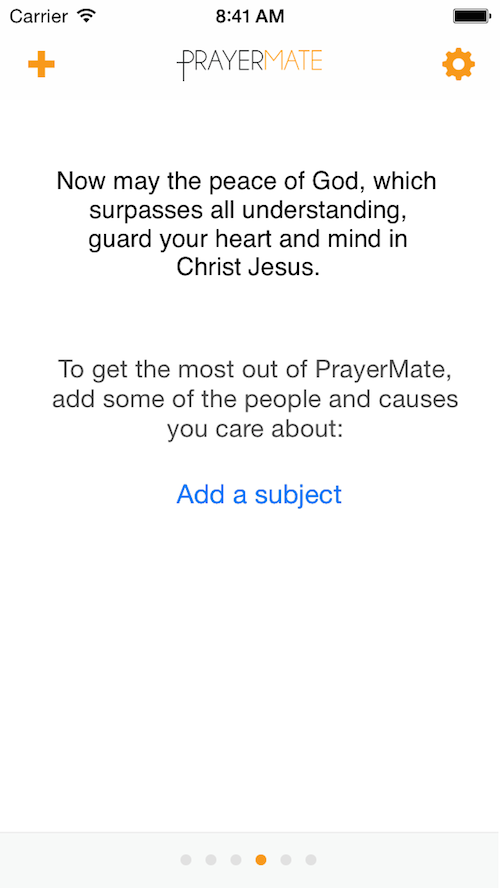
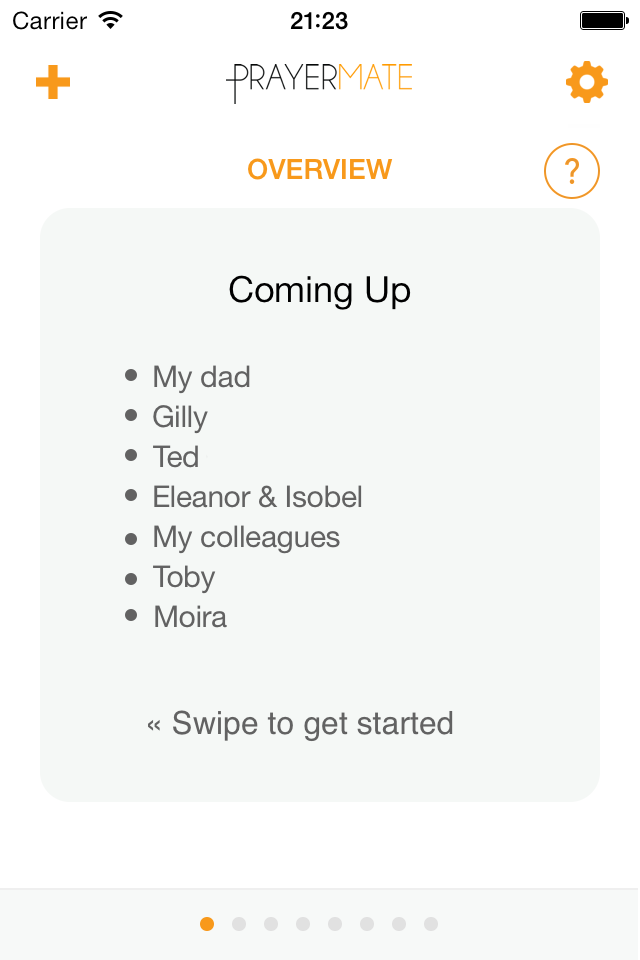
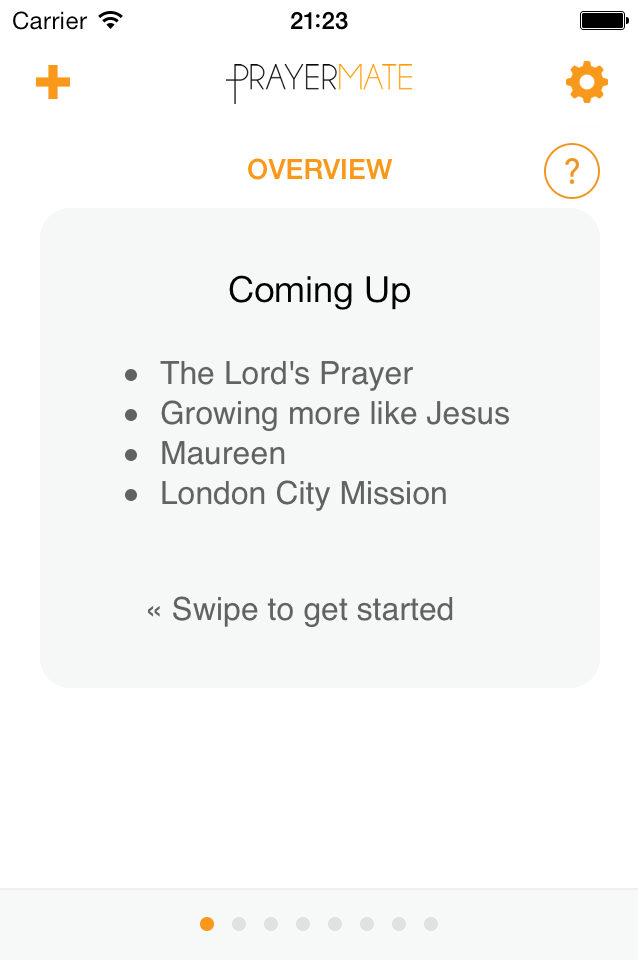
The first page introduces some vocabulary (“My first prayer session”) and now gives a more explicit call to action (“Swipe left to start”). The last page urges people towards the key value-add action: adding your own subjects to pray for.
Revamped ‘Add subject’ process
That leads nicely onto the next big change, which is a totally revamped process for adding new subjects. Over time the subject settings page has become a slightly overwhelming and scary mess of options and features, and from the very earliest days I know people have struggled how to do even the most basic task of adding a new subject. Taking the approach that people basically want to focus on one thing at a time, PrayerMate will now hold your hand a little bit more through the process.
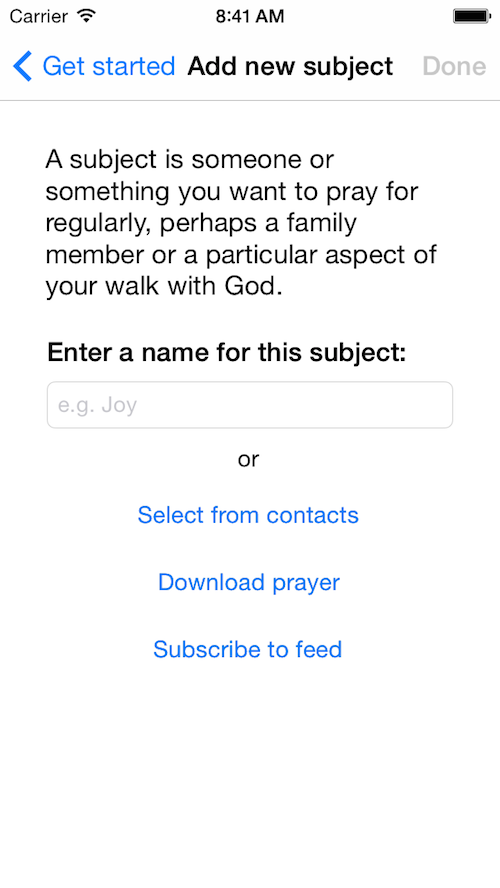
It starts off by asking you just to enter a name for your subject. I’ve observed that the majority of new users stick entirely to the default categories, so I thought I may as well make the most of that and tailor the description you see based on which of those default categories you’re adding to. So you’ll get given different instructions and example names if you’re adding family members to if you’re adding Biblical prayers, for example.
Historically there’s also been a bit of a discovery problem: people didn’t know that the feature existed to download prayers or subscribe to online feeds, so the new “Add subject” page is the perfect place to direct people towards these alternative ways of getting new content into the app.
Scheduling modes explained
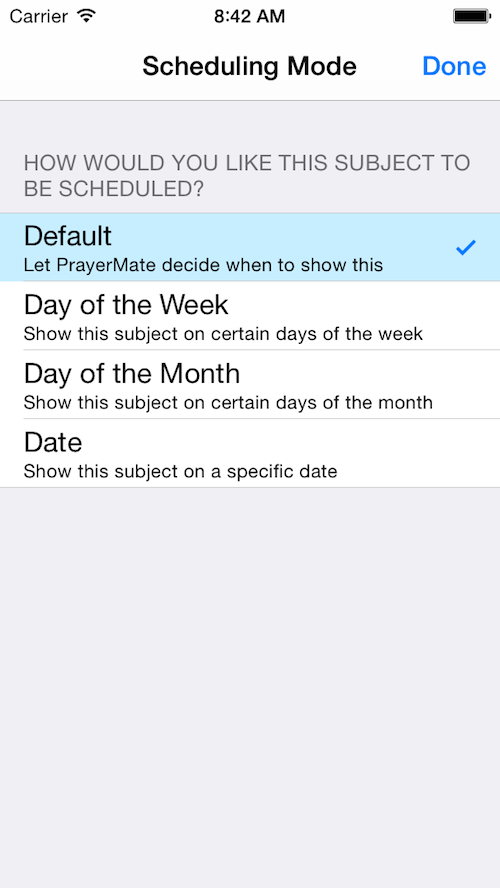
When choosing the scheduling mode for a subject, you now get a very brief explanation of what each option means:
Downloadable biblical prayers
Although previously there was a gallery of Bible verses that would make for good prayers, for copyright reasons I was unable to make the text of those verses available for download directly into PrayerMate. Instead it took you to BibleGateway in your browser, from where you could copy and paste into PrayerMate. For various reasons, this really sucked. Mark Strivens has donated a huge amount of time to contact various Bible publishers and has managed to secure permission for me to include extracts directly from the NET Bible translation. He’s then set it all up, so now if you want to download a Bible prayer the text is right there and you just have to hit a button to turn it into a subject in PrayerMate.
“Download all” in prayer gallery
This one was sheer laziness on my part when I first added the prayer gallery: it’s been obvious all along that there needed to be a quick way to download a whole bunch of prayers all in one go. So now if you’re a wife wanting to pray for your husband, you can open up Jen Thorn’s “Seven hard things to pray for your husband” and download all seven with the touch of a button.
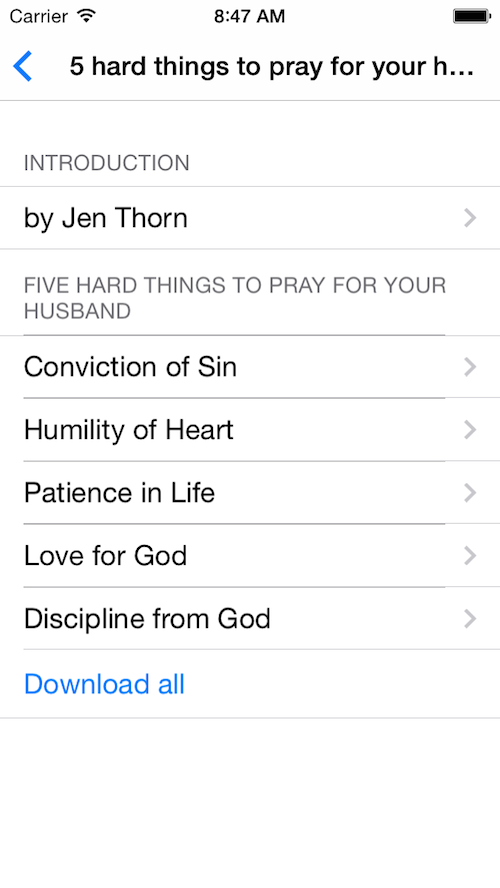
Much better!
Changes to how feeds work
When I first added online feeds to the app last year, I had an inkling that people would love it, but I didn’t really know what it was that I was making. As people have started using it, and as more and more organisations have come on board, it was inevitable that there would be some changes required. The Android app benefitted from this hindsight and got built properly the first time around, but now iOS is catching up. The biggest change I’ve made is that feed subjects are now scheduled just like any other kind of subject – so I could say “I want to pray for Tearfund on Wednesdays and UCCF on Mondays”, and feed subjects no longer receive priority in the way that they used to, making it a bit easier to have several subjects all in the same category.
I’ve also tweaked the lingo when you first subscribe to a feed, so that instead of confusingly saying “View prayers” it now makes it more obvious that a new subject has been created for you. There’s also a little indicator of how often a particular feed is likely to be updated (daily, weekly or monthly)
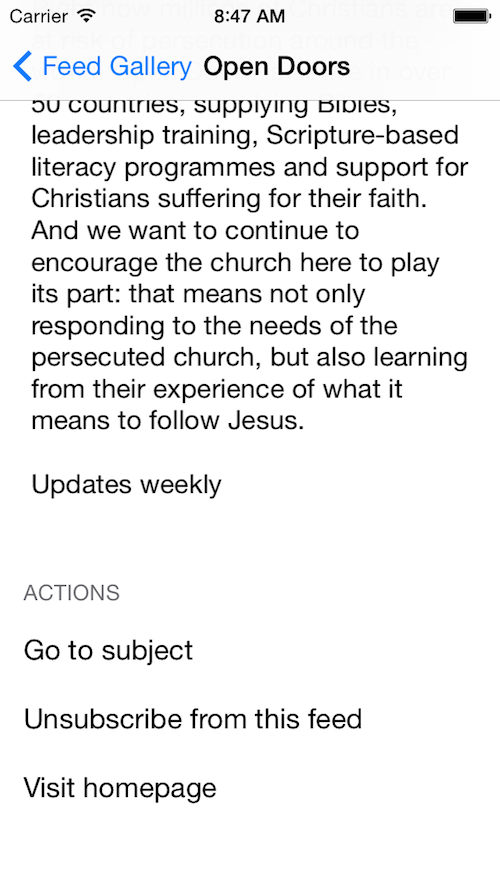
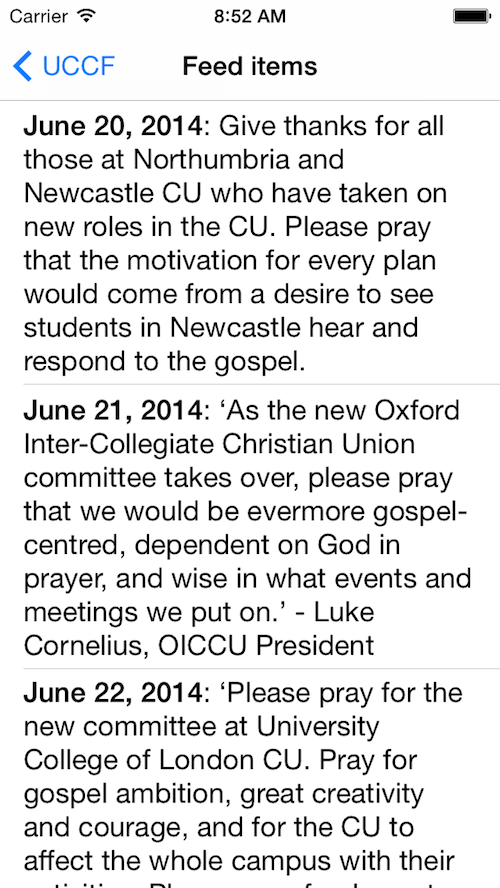
When viewing your feed subject, I’ve also broken out the upcoming prayers into a separate “feed items” page, making the subject page a bit more manageable:
Action button on prayer cards
I’ve been resisting this one for years, but it seems that no matter how many ways I try to teach people, most people still don’t realise that you can press and hold on a card whilst you’re praying to open a menu of actions. If you don’t know this menu is there, the app is so much harder to use. So I’ve finally succumbed, and added an explicit button to each prayer card to open the action menu:

More tiny tweaks
There’s plenty more tiny little tweaks here and there. One user commented that it’s a little strange that the “Archive” button should be green when it’s really kind of a negative action. So that’s now orange:

PrayerMate is done as a labour of love in my spare time, but it does cost me real money to keep it all running month by month. Would you consider making a donation towards the work? Click here for details.


 Today I am thrilled to announce the next step forward in PrayerMate’s mission to help people pray. Firstly, there’s a HUGE update to the Android version of the app, adding a whole range of features that were previously only available to iOS users. In particular, you can now subscribe to regular prayer updates from over 60 mission organisations and charities, including the likes of Open Doors UK and Australia, UCCF The Christian Unions, London City Mission, the Mothers’ Union, Pioneers, NZCMS, Crosslinks, FIEC, Church Society, Wycliffe Bible Translators UK and USA and many many more. The full list is available
  But that wasn’t nearly enough – not wanting iOS users to feel left out, I’ve also got one brand new prayer feed on both platforms that I am bursting with excitement about: you can now get the


 Users of the free

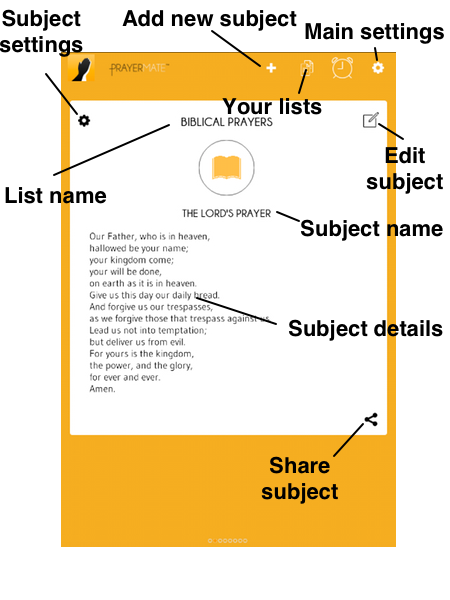
 Tap into a subject, and tap the pencil icon to put it into edit mode. If you then tap the circle that appears near the top of the card, you can then pick a photo that represents that person, choose your cropping circle by dragging around and pinching to zoom in and out, and finally hit “Done” when you’re ready. Next time you pray, that person’s face will pop up as a little reminder to help you think of them.
 PrayerMate allows you to subscribe to regular prayer updates from all sorts of fantastic Christian organisations, including
  In the main “add” page (accessed by pressing the + button) you’ll find a section titled “Ready made content and organisations”. This is where you’ll get access to both the downloadable prayers and automatically updating “feeds”.
 Today’s task is both the easiest and the hardest – the easiest because there’s not much to it, the hardest because it’s where the spiritual battle rages in our heart. Today we’re going to get on and pray.
 Enter a list of names: this is a new addition to the app, but makes creating large numbers of subjects much quicker. You can access this through the ‘+’ button on the “Overview” page, but for variety lets go a different route. Tap the icon to access the “lists” page, then find the list you want to populate. Press the “+” button at the bottom of that list, and then choose the “Enter a list of names” option under “Quick add”. If you tap into this, you can then just type in a whole bunch of names, pressing the ‘return’ key in between each one so that they each appear on a separate line. When you press the ‘Done’ button in the top right, PrayerMate will then go away and create a new subject for each of those names, under the selected list.
 If you’re somebody who would find this kind of structure helpful to you in your prayers, then you might find the PrayerMate app helpful. It comes preinstalled with some suggested lists, and of course you could leave them as they are and you’d get on just fine. But I strongly suggest that you tweak them so that they make sense for you and your particular context. Step one, then, is to decide what lists you want to use.
 I know that every time I release a new update to






 Tomorrow IFES has organised